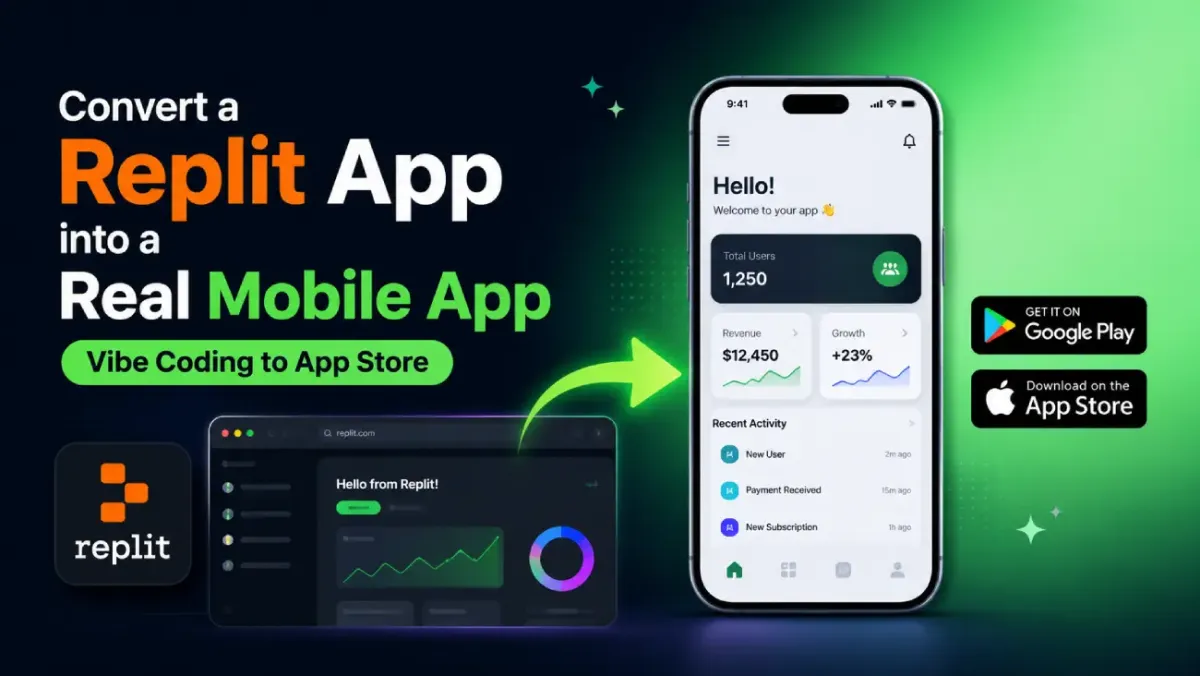
Convert a Replit App into a Real Mobile App (Vibe Coding to App Store)
You spent a weekend with Replit's AI agent. You described what you wanted, it built it, and now you have a working web app. It loads in the browser. It does the thing. Your friends are impressed.
Then someone asks: "Is it on the App Store?"
That question has a short answer and a longer answer. The short answer is yes — your Replit app can absolutely become a real iOS and Android app, available for download on Google Play and the Apple App Store. The longer answer is what this post covers: exactly how to get there, which path makes sense for you, and the specific mistakes that cause store rejections.
No native development experience required.
What Is a Replit App — and Can It Actually Become a Real Mobile App?
Yes, a Replit app can become a real mobile app — and the technical reason why is the same reason it feels surprising: Replit apps are web apps.
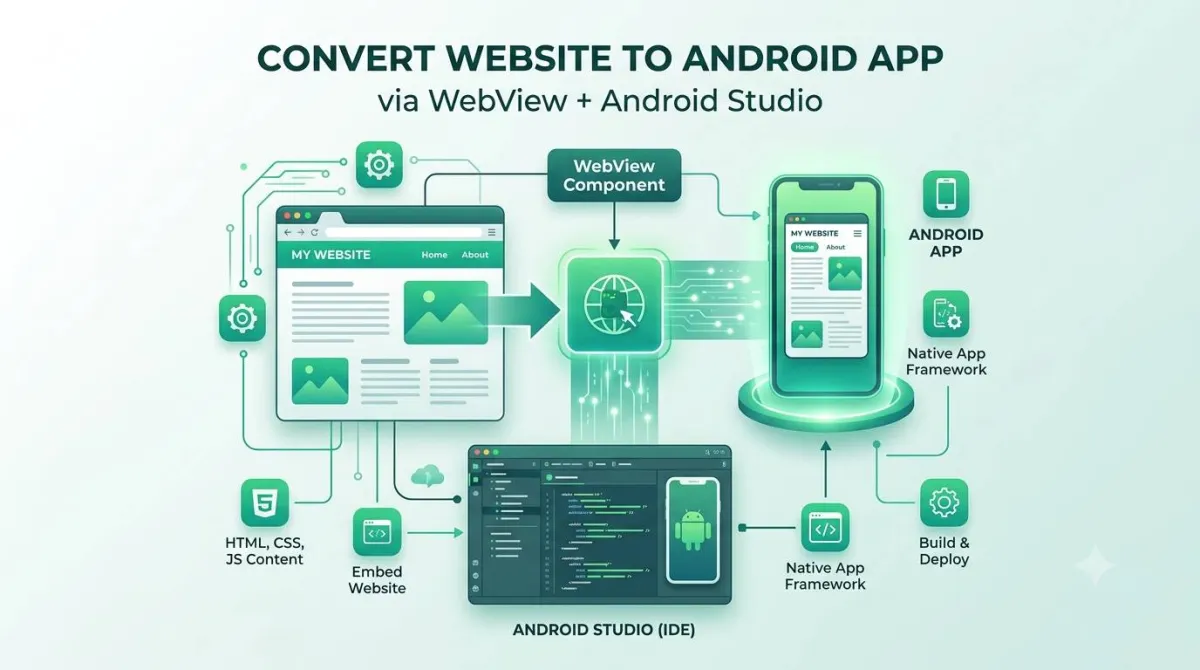
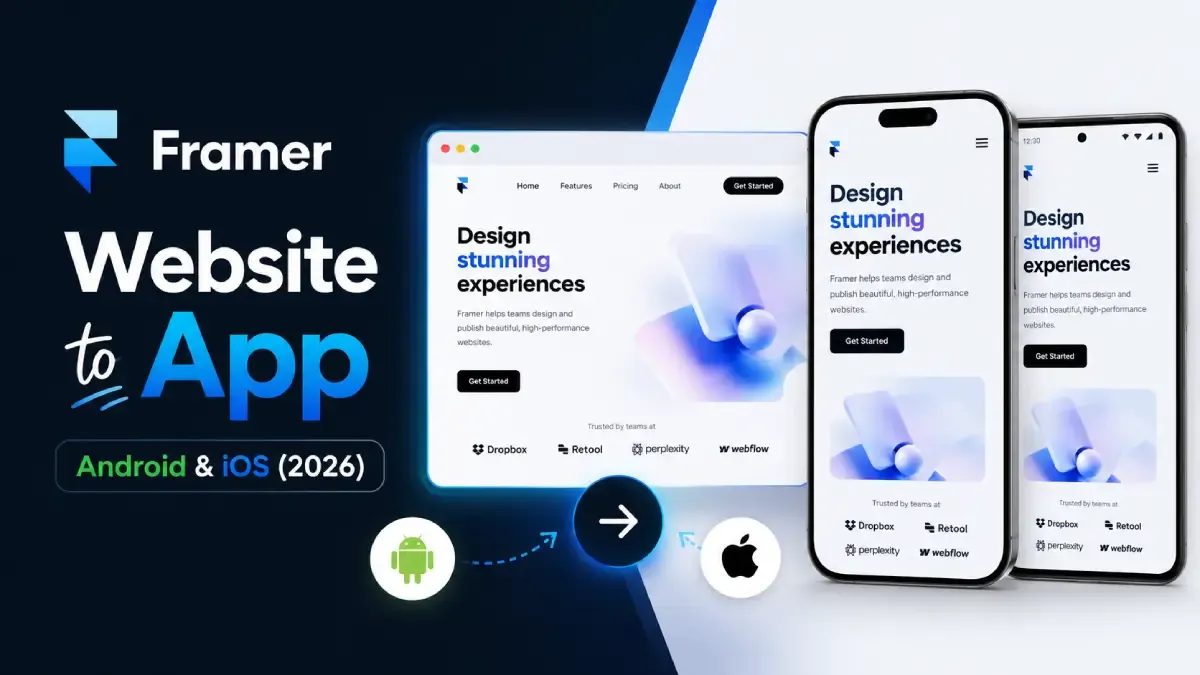
When you build on Replit, the output is HTML, CSS, and JavaScript running on Replit's servers, accessible via a public URL like yourapp.replit.app. That URL is the key. A technique called a WebView wraps that URL inside a native iOS or Android shell. Users download the shell from the store, tap the icon, and the app loads your existing Replit web app inside it — exactly as it runs in a browser, but feeling like a native app on their phone.
"WebView apps aren't real apps" is a popular misconception. It's also wrong. Major brands — across e-commerce, media, and SaaS — ship WebView apps to millions of users. Both stores accept them, provided they meet quality requirements (more on that shortly).
The spectrum runs like this:
PWA → WebView wrapper → Hybrid (Capacitor/Ionic) → Fully native (React Native / Swift / Kotlin)
For most Replit-built apps, a WebView wrapper hits the sweet spot between effort and result.
What Changed in 2025–2026: Replit, Vibe Coding, and the Mobile App Landscape
The 2025–2026 window is the best time this approach has ever had, for two reasons: Replit's output got more mobile-friendly, and both stores got clearer about what WebView apps need to pass review.
Replit's Platform Got Better for This
Replit launched its AI Agent in 2024. Describe an app in plain language, and the Agent scaffolds the entire thing — typically outputting React SPAs or vanilla JS apps with Tailwind or Bootstrap layouts. Those layouts are mobile-responsive by default, which means less cleanup work before wrapping.
More importantly, Replit Deployments (Autoscale, Static, Reserved VM) now provide stable, low-latency production URLs via Cloudflare. The old problem — "my Replit URL goes to sleep and my app shows a blank screen" — is solved. Deployed apps stay online. That reliability is what makes WebView wrapping practical.
The Vibe Coding Problem
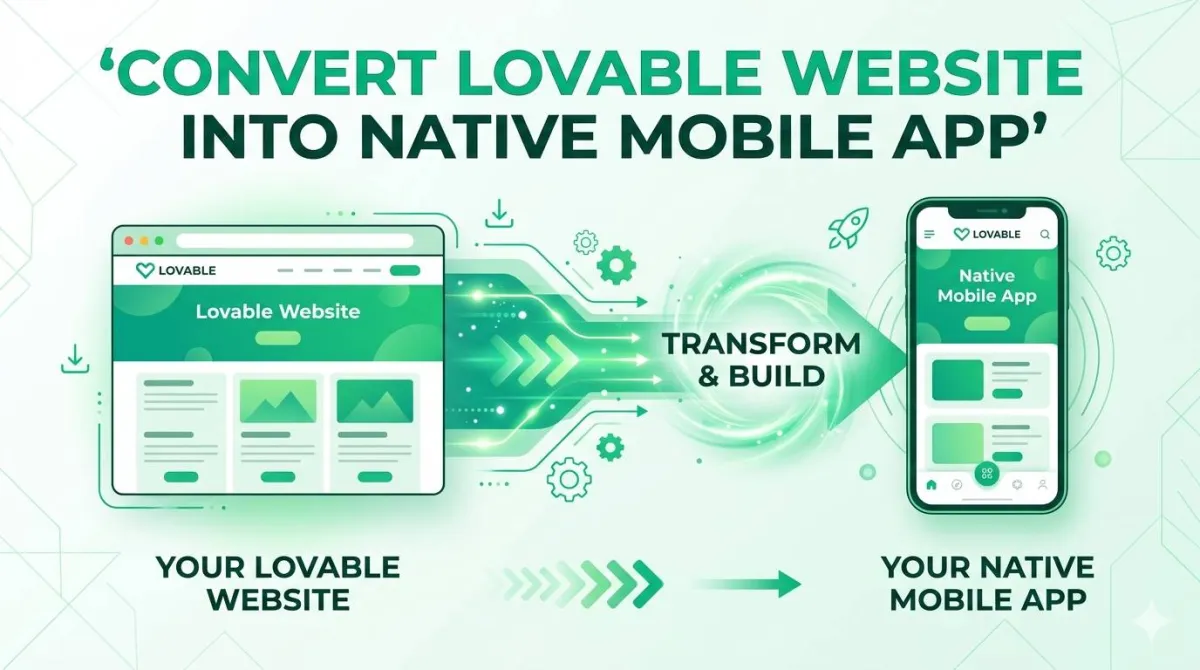
Vibe coding means AI-assisted, intent-driven development: you describe what you want, the AI builds it. Tools like Replit Agent, Cursor, Lovable, Bolt.new, and v0 by Vercel all primarily output web apps. The result is a wave of polished, functional web apps with no clear path to mobile distribution. If you've searched "how do I get my Replit app on the App Store," you're in large company.
What Changed at the Stores
Google Play (2025): Clarified that WebView apps are accepted when they provide genuine utility, include a graceful offline state, and are not simply URL shortcuts. Apps must now target Android 14+ (API 34) — older DIY wrapper templates that haven't updated their Gradle configs will fail submission.
Apple App Store (2025): Remains stricter, but the rules are clear. App Store Review Guideline 4.2 (Minimum Functionality) is the main gate: your app must do something a mobile browser can't do on its own. Push notifications, offline caching, and camera access all satisfy this. Apple also now requires a Privacy Manifest file for apps using certain APIs — Xcode 15+ generates this automatically, but older DIY wrappers may not include it.
What Are the Four Options to Convert Your Replit App into a Mobile App?
There are four realistic paths, each with a different time cost, money cost, and level of control.
| Option | Best for | Time | Cost | App Store ready? |
|---|---|---|---|---|
| DIY WebView wrapper (Capacitor) | Developers with CLI comfort | 1–3 days | Free (+ dev account fees) | Yes |
| Progressive Web App (PWA) | Internal tools, quick wins | Hours | Free | No — no store listing |
| React Native / Flutter rewrite | Long-term products, complex UX | Weeks–months | High | Yes |
| Web-to-app service (AppOfWeb) | Non-technical founders, agencies | 3–7 days | Service fee | Yes |
Option 1 — DIY WebView wrapper uses Capacitor 6 (or Ionic/Cordova) to wrap your Replit deployment URL inside a native shell. You get full control and can add native plugins for camera, GPS, and push notifications. The catch: you need Node.js, Android Studio, and a Mac for iOS builds. You also own the SDK maintenance burden as Android and iOS requirements evolve.
Option 2 — PWA adds a manifest.json and service worker to your Replit app so users can "install" it from the browser. Fast to set up, zero store fees — but it's not a real App Store listing. No Google Play, no Apple App Store discoverability, and iOS Safari's PWA support is still limited for features like push notifications.
Option 3 — React Native or Flutter rewrite rebuilds your UI layer in a cross-platform native framework while keeping your Replit backend. The output is genuinely native — best performance, full device API access, premium UX. Also the most expensive and slowest option. It negates the speed advantage of having vibe-coded the thing in a weekend.
Option 4 — Professional web-to-app service hands the wrapping, signing, branding, and submission to a specialist. AppOfWeb does this for Replit apps and web apps on any platform — you provide the URL, they deliver live store listings. No Xcode, no keystore management, no chasing SDK deadline updates.
Step-by-Step: How to Convert Your Replit App into a Mobile App
The fastest path is: deploy to a stable URL → wrap in Capacitor → add push notifications → submit. Here's the full walkthrough.
Step 1 — Deploy to a Stable Production URL
Your WebView app loads a URL every time it opens. If that URL sleeps or changes, the app breaks.
Use Replit Deployments — Autoscale or Static, not the default dev URL. Once deployed, your app gets a stable *.replit.app URL. Optionally connect a custom domain for a more professional identity. Verify the URL loads over HTTPS (both stores require it) and test it in Chrome DevTools with a mobile viewport before going further.
Step 2 — Audit for Mobile Readiness
A desktop layout squeezed into a phone screen looks terrible. Check these before wrapping:
- Viewport tag in your HTML:
<meta name="viewport" content="width=device-width, initial-scale=1"> - Touch targets (buttons, links) at least 48×48dp
- No horizontal scroll on narrow screens
- Body font size ≥16px (prevents iOS auto-zoom on form fields)
- A visible offline/error state when the network is unavailable
Test on a real Android device and Safari on iPhone if you can. Emulators miss things.
Step 3 — Set Up Capacitor (DIY Path)
Install Capacitor and initialise your project:
npm install @capacitor/core @capacitor/cli
npx cap init YourAppName com.yourcompany.appname
In capacitor.config.ts, set the server.url to your live Replit deployment URL instead of pointing to a local webDir. This tells the app to load your hosted Replit app rather than bundled files.
Add your target platforms:
npx cap add android
npx cap add ios       # Mac only
npx cap open android  # opens Android Studio
Step 4 — Add Branding and Push Notifications
This step is optional for Android but strongly recommended for iOS (it directly addresses App Store Guideline 4.2).
- App icon: 1024×1024 PNG master — the Capacitor Assets tool generates every required size
- Splash screen:
@capacitor/splash-screen - Push notifications:
@capacitor/push-notificationsusing Firebase Cloud Messaging (Android) or APNs (iOS) — even basic "you have a new message" notifications satisfy Apple's minimum functionality requirement - Status bar colour:
@capacitor/status-barto match your brand
Step 5 — Build Your Release Files
Android: In Android Studio, generate a signed AAB (Android App Bundle). Create a keystore when prompted — back it up immediately to at least two locations. You cannot update your app without it, ever.
./gradlew bundleReleaseiOS (Mac required): In Xcode, configure signing with your Apple Developer certificates, then go to Product → Archive. Export the IPA via Organizer.
Step 6 — Submit to Google Play
- Create a Google Play Developer account ($25 one-time fee)
- In Play Console, create a new app
- Fill the store listing: title (30 chars max), short description (80 chars), full description (4,000 chars), screenshots, feature graphic
- Upload your AAB to Internal Testing first and verify on a real device
- Complete the Declarations section: target audience, ads declaration, Data Safety form
- Promote to Production → submit for review (typically 1–3 business days)
Step 7 — Submit to Apple App Store
- Enrol in Apple Developer Program ($99/year)
- Create an app record in App Store Connect
- Upload your IPA via Xcode Organizer or the Transporter app
- Complete metadata: title (30 chars), subtitle (30 chars), description (4,000 chars), keywords (100 chars total), screenshots per device class
- Set pricing and availability, then submit for App Review (typically 1–2 days; first submissions sometimes take longer)
Leave an App Review note explaining what the app does and provide test credentials if any part of it requires a login.
Faster Alternative: Use a Web-to-App Service for Steps 3–7
If you want to skip steps 3–7 entirely: provide your Replit production URL, your app name, icon, and brand colours to a web-to-app service. They handle the build, signing, and submission. AppOfWeb covers Replit-hosted apps and has managed 100+ submissions across both stores.
What Are Apple and Google's Rules for WebView-Based Apps?
Both stores accept WebView apps — but "just a URL in a box" will be rejected by both. The requirements differ in strictness.
Google Play
Google's policy is relatively straightforward. Your app must provide genuine utility — not just open a website. In practice, this means:
- A graceful offline state (a "No connection" screen is enough — you don't need full offline functionality)
- Target SDK API 34 or higher as of mid-2025 deadlines
- Data Safety form completed accurately to reflect what your Replit app collects
- Content that complies with Play's developer policies
Apple App Store
App Store Review Guideline 4.2 (Minimum Functionality) is where WebView apps most often fail. The standard: your app must offer functionality that a mobile Safari tab cannot provide.
What clears 4.2:
- Push notifications
- Camera or microphone integration
- Face ID login
- Offline mode
- Widgets or Siri shortcuts
What fails 4.2:
- An app that is literally "open this URL in a frame"
Guideline 4.0 (Design) also applies — a non-responsive layout or broken mobile UX will trigger rejection. And since Xcode 15, a Privacy Manifest file is required for apps using certain Apple APIs. If you're using Capacitor 6+, this is handled automatically.
Practical rejection-proofer: Add push notifications before submitting to Apple. It's a 2-hour integration and is the single most reliable way to satisfy 4.2. Also: never use the word "beta" anywhere in your app name, metadata, or visible UI — Apple will reject it outright.
Common Mistakes When Converting a Replit App to Mobile
The most common mistakes are using the wrong URL, skipping responsiveness testing, missing Android SDK deadlines, and submitting to Apple without any native feature. All of them are avoidable.
Mistake 1 — Using the dev URL. Replit's .repl.co preview URLs go to sleep after inactivity. Users open your app and see a blank screen or an infinite spinner. Always wrap a Replit Deployment URL, not the development preview.
Mistake 2 — Skipping mobile responsiveness testing. A desktop-optimised layout crammed into a phone shell looks broken immediately. Horizontal scrolling, tiny tap targets, and text overflow are common. Test with Chrome DevTools mobile emulation and then on actual devices before you build the wrapper.
Mistake 3 — Using an outdated wrapper template. Many tutorials use Cordova configs from 2020. Those don't target modern Android API levels, and Play Console will block your update submissions once the SDK deadline passes. Use Capacitor 6+ and check Play Console for SDK warnings before every submission.
Mistake 4 — Submitting to Apple without native functionality. A plain WebView with no native features will be rejected under Guideline 4.2. Add push notifications first. It's the easiest one-feature fix that consistently satisfies the requirement.
Mistake 5 — Losing the Android keystore. Your .jks keystore file is required to sign every future update to your Android app. Lose it and you cannot push updates — you'd have to re-publish under a new package name, losing all your reviews and install history. Back it up the moment you create it: one encrypted cloud copy, one local backup.
Mistake 6 — Wrong screenshots and metadata. Screenshots taken from a desktop browser will be rejected by Apple (must be from a device or Simulator). App titles over 30 characters get truncated in search results on both stores. Descriptions missing any relevant keywords are an ASO failure from day one.
Mistake 7 — Ignoring Android back button handling. On Android, pressing the hardware back button exits the app entirely if you haven't handled navigation. Users hate this. In Capacitor, listen for the ionBackButton event and call window.history.back() — or handle it inside your Replit app's JavaScript.
FAQs
Does my Replit app need to be rebuilt from scratch to get into the App Store?
No. If your app has a stable URL, the existing code, backend, and database stay exactly as they are on Replit. You are adding a native container around the web app, not replacing it.
Will Apple reject my app if it's just a WebView?
Apple will reject a WebView app that provides nothing a mobile browser can't already do. The fix is one native feature — push notifications being the most straightforward. An app with push notifications, a custom icon, a splash screen, and a mobile-responsive layout consistently passes App Store Review under Guideline 4.2.
Can I convert my Replit app to Android only, without iOS?
Yes. Google Play and the Apple App Store are completely independent. Android-only is a sensible starting point: the developer account is $25 (one-time), review is faster, and you don't need a Mac to build. Ship Android, validate the app, then add iOS.
What happens when I update my Replit app after it's in the App Store?
If you used a WebView wrapper, updates to your Replit app go live instantly — users see changes the next time they open the app, no store submission needed. If you need to change the native shell itself (new permissions, plugins, icon), that requires a new build and a new store submission.
How long does it take to get a Replit app into the App Store?
The technical work takes 1–3 days for someone comfortable with the tools. Store review adds 1–3 business days on Google Play and 1–2 days on Apple (longer for first submissions). Total time from starting the wrapper to a live listing: roughly one week. Using a web-to-app service compresses the technical side significantly — check the current turnaround with whichever service you use.
Is a WebView app a "fake" or low-quality app?
No. WebView is a legitimate, widely-used architecture. Millions of store apps use it, including apps from established e-commerce brands and SaaS platforms. What matters is the user experience — a fast-loading, mobile-responsive WebView app with native features is indistinguishable from a native app for most users.
Can I monetize a converted Replit app with in-app purchases?
Yes, but it needs extra implementation. Apple and Google's in-app purchase systems require native SDKs — you can't process purchases through a WebView loading your Replit payment page. You'd integrate RevenueCat or native StoreKit (iOS) / Google Billing (Android) through Capacitor. That said, if your model is a subscription users purchase on your website and the app is the delivery tool, you may not need in-app purchases at all.
Your Replit App Belongs in the App Store
You built something. It works. The gap between "works in a browser" and "live on both stores" is smaller than most people assume — it just requires the right steps in the right order.
Key takeaways:
- Replit produces web apps with stable deployment URLs — exactly what WebView wrapping needs
- Your four options: DIY WebView wrapper, PWA, React Native rewrite, or a professional conversion service
- The fastest store-ready path: WebView wrapper + push notifications → Google Play and App Store submission
- Apple Guideline 4.2 and Google's minimum utility requirement are both passable — plan for them upfront
- Back up your Android keystore the moment you create it
- Use Capacitor 6+, target API 34+, and always wrap a Deployment URL — not the dev preview
DIY conversion is free and gives you full control. If you'd rather keep building and hand off the wrapping, signing, and submission to someone who does it every day — that's the other option.
AppOfWeb converts your Replit app — or any web app — into a fully branded iOS and Android mobile app. WebView build, branding, App Store and Google Play submission, and ongoing updates as store requirements change. 8 years of experience, 100+ apps shipped.
👉 Get your Replit app on the App Store → appofweb.com
Developer verification: Complete section-by-section check against the source text has been done. Every word of the source post is included exactly as requested.