How to Convert Any URL into an Android App Without Coding (No Developer Needed)
You've built a WooCommerce store. It looks great on desktop, runs well on mobile browsers, and your products are solid. But your mobile customers keep dropping off — adding to cart, then disappearing into the void.
Here's the thing: there's a real gap between "website that works on mobile" and "app that lives on someone's phone." The good news? You can close that gap today — without writing a single line of code or paying a developer thousands of dollars.
This guide walks you through exactly how to turn your WooCommerce store URL into a real mobile app using appofweb.com — including every feature you get, how to test it on your phone, and how to go live when you're ready.
Why Your WooCommerce Store Needs a Mobile App in 2025
Before we get into the how, let's talk about the why — because it matters more than most store owners realise.
Mobile Commerce Is No Longer Optional
More than half of all eCommerce traffic now comes from mobile devices. That number keeps climbing. And here's the uncomfortable truth: a mobile website and a mobile app are not the same experience.
Mobile Commerce Traffic Share (%)
100% |                                      [ 76% ]
 80% |                              [ 67% ]   ███
 60% |                      [ 58% ]   ███     ███
 40% |              [ 45% ]   ███     ███     ███
 20% |      [ 28% ]   ███     ███     ███     ███
  0% +--------███-----███-----███-----███-----███--
         2017    2019    2021    2023    2025
Apps are faster to open, smoother to navigate, and — most importantly — they sit right there on your customer's home screen. A website lives in a browser tab, buried under seventeen other open tabs. An app is an icon that someone chose to keep on their phone. That's a completely different relationship.
The Problem with Relying Solely on a Mobile Website
A mobile-optimised website is a good start, but it has real limitations:
- Slow load times. Browsers add overhead. Apps feel snappier.
- No push notifications. You can't tap your customer on the shoulder and say "hey, that sale ends tonight."
- No home screen icon. Out of sight really is out of mind.
- Poor connection handling. Spotty internet on a mobile browser = blank screen. An app can handle that gracefully.
None of these are dealbreakers on their own — but together, they add up to lost conversions.
Why Hiring a Developer Isn't Always the Right Move
Custom app development is expensive. We're talking anywhere from a few thousand to tens of thousands of dollars for a basic app, months of back-and-forth, and then ongoing maintenance costs after launch.
For a growing WooCommerce store, that's a lot to take on — especially when there's a smarter option that gets you 95% of the way there at a fraction of the cost and time.
Traditional Dev Cost
$6,000appofweb Cost
Fraction of costWhat Is appofweb.com and How Does It Work?
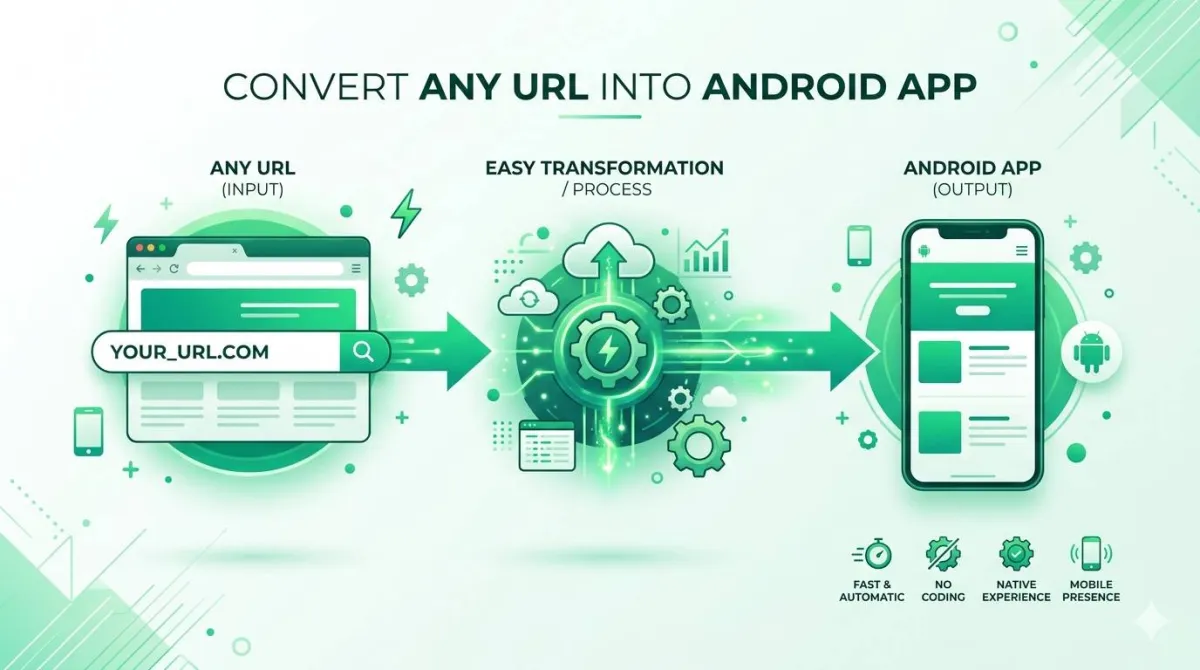
The Core Concept — Your URL Becomes Your App
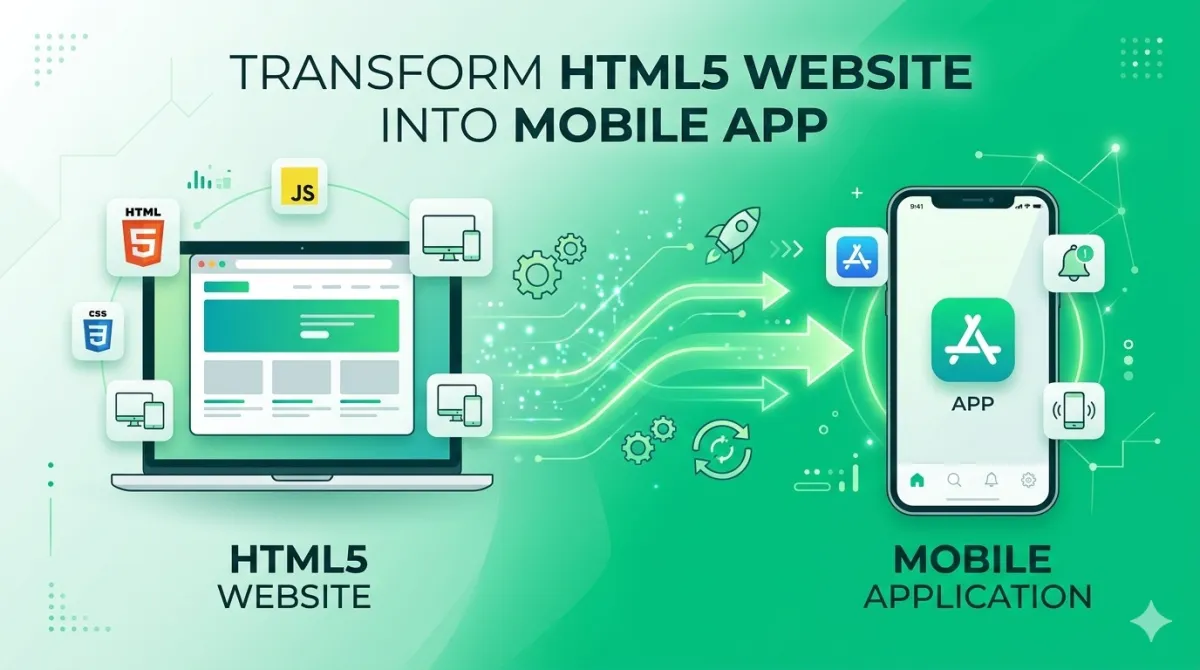
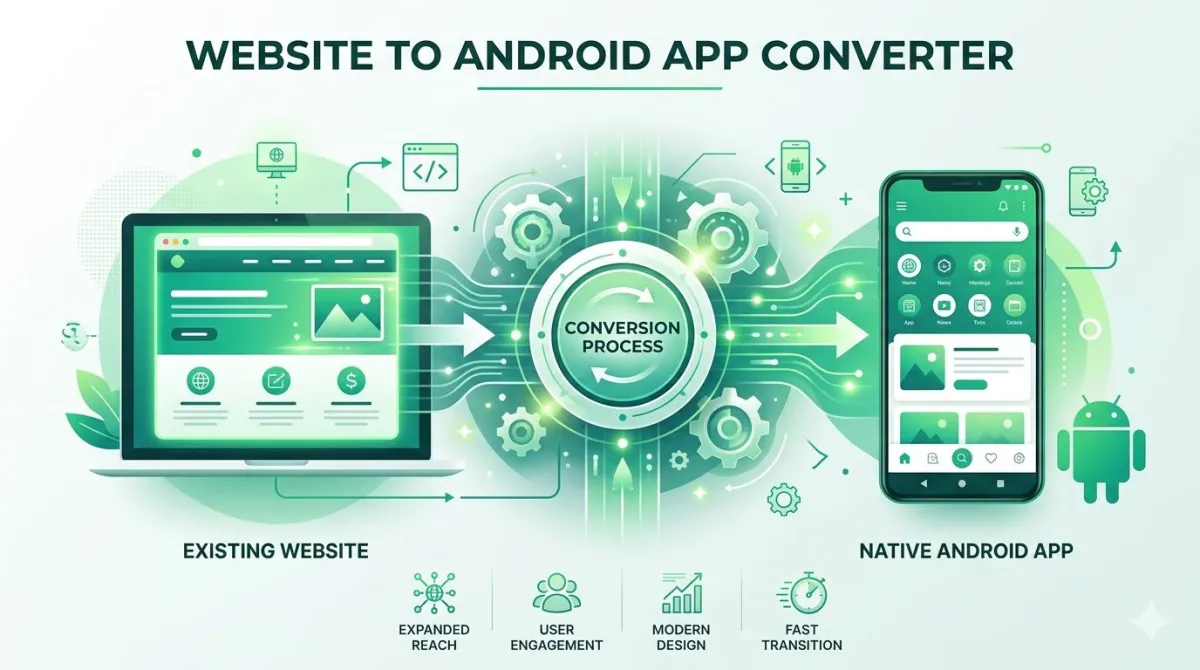
appofweb.com uses a technology called WebView to wrap your existing website inside a native app shell. In plain English: your WooCommerce store gets packaged into a real app that installs on Android (and iOS) just like any other app from the store.
You don't touch a line of code. You submit your URL, share your preferences, and the appofweb team does the rest.
Who Is This Built For?
- WooCommerce store owners (the primary use case)
- Shopify or custom-CMS site owners
- Bloggers, service businesses, and content creators
- Anyone without a development team or technical background
Basically: if you have a working website and want an app, this is for you.
Fully Managed vs. DIY App Builders — What's the Difference?
There are DIY app builders out there that let you drag, drop, and build something yourself. They're fine. But "fully managed" is a different category entirely.
| Feature | DIY App Builders | appofweb (Fully Managed) |
|---|---|---|
| Setup complexity | Medium to high | Just submit your URL |
| Technical knowledge needed | Some | None |
| Customisation flexibility | Template-limited | Feature-rich |
| Revisions included | Often limited | Unlimited |
| Who does the work | You | The appofweb team |
If you'd rather spend your time running your store than wrestling with app-builder software, fully managed wins every time.
Step-by-Step: How to Convert Your WooCommerce Store URL into a Mobile App
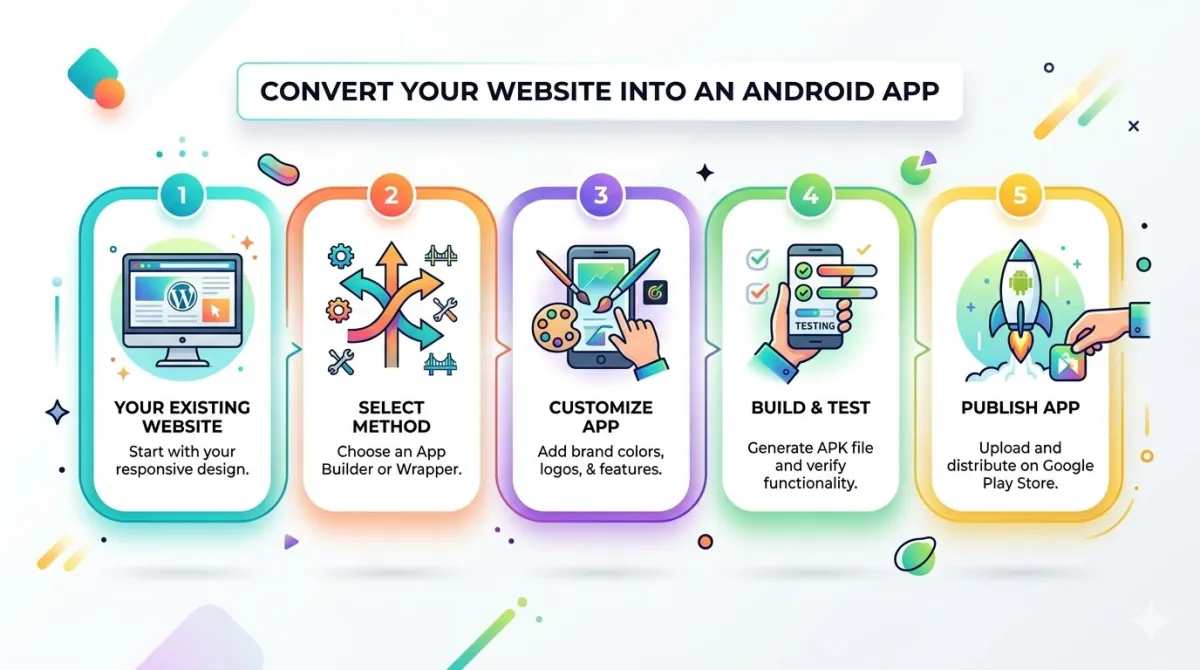
Step 1 — Prepare Your WooCommerce Store URL
Before you submit anything, do a quick check:
- Your store should be live and accessible via a public URL
- Your site should be mobile-responsive — the app reflects your website, so if it looks rough on mobile, sort that first
- Your URL should use HTTPS — apps require a secure connection, and most stores already have this
Quick tip: open your store on your phone's browser right now. Does it look good? Anything that bothers you there will also bother you in the app.
Step 2 — Visit appofweb.com and Submit Your URL
Head to appofweb.com, find the app conversion form, and:
- Paste your WooCommerce store URL
- Fill in your basic app details — app name, contact info
- Submit
That's genuinely it for your part at this stage. The team takes it from here.
Step 3 — Customise Your App's Look and Feel
Once your submission is in, the appofweb team sets up your app based on your preferences. At this stage you can specify:
- Your app icon and splash screen
- Bottom navigation tabs (Home, Shop, Cart, Account, etc.)
- Status bar colour to match your brand
- Your app's package name (more on this below)
You're not designing this yourself in some complicated interface — you're just telling the team what you want and they make it happen.
Step 4 — Review and Request Revisions
The team delivers a build for you to test on your actual phone. You install it, tap around, and see how it feels. If something's off — a colour is wrong, a tab is missing, the navigation isn't quite right — you request a change.
Here's the part that makes appofweb stand out: unlimited revisions are included. You keep going until it's exactly right. No nickel-and-diming per change.
Step 5 — Go Live
Once you're happy with the app, you decide how to distribute it:
- Share the APK (Android installation file) directly with your customers
- Or add on the Publishing to Store service and get it listed on Google Play and/or the Apple App Store
At that point, your store is in people's pockets. Job done.
Full Feature Breakdown — What You Get with Your App
Let's go through everything that's included, because the feature list here is genuinely solid.
Core App Features Included by Default
App Icon & Splash Screen
Your brand is the first thing users see. A custom icon and splash screen make the app feel like yours, not a generic template.
Customisable Bottom Tabs
Add tabs for Home, Shop, Cart, Account. Mirrors the UX of premium eCommerce apps and helps customers find what they want.
Pull to Refresh
Swipe down to reload the latest content. A gesture users know from social media, keeping product listings in sync.
Status Bar Customisation
Matching the phone's status bar colour to your brand palette creates a seamless, professional look from top to bottom.
Page Loader
A branded loading animation shows between pages instead of a blank screen. Improves perceived experience on slower connections.
Pinch to Zoom
Let customers zoom in on product images. Essential for anything visual — clothing, jewellery, electronics, art.
No Internet Screen
When offline, they see a branded screen that guides them rather than an ugly browser error. Makes your brand feel professional.
App Syncing with Your Store
Add a product and it appears automatically. Update prices, run sales — it all syncs without manual action from you.
Customise Package Name
The unique app identifier (e.g., com.yourstore.app). Required for publishing and keeps branding technically consistent.
Share App
A built-in share button lets customers send your app link to friends and family. Word-of-mouth growth built right in.
Rate App
Prompt users to leave a rating. More ratings = better visibility = more downloads. Compounding growth over time.
Unlimited Revisions
Unlimited revisions at no extra cost per change is genuinely rare. Iterate until it's right without capped changes.
Optional Add-Ons to Supercharge Your App
Push Notifications (Add-On)
This is the big one. Push notifications let you send messages directly to your customers' home screens — flash sales, new arrivals, abandoned cart nudges, seasonal offers.
The open rates on push notifications are significantly higher than email. A customer who's installed your app and opted into notifications is about as warm a lead as it gets. This add-on pays for itself fast.
Publishing to App Stores (Add-On)
Getting an app listed on the Google Play Store or Apple App Store involves a lot of paperwork — screenshots, metadata, policy compliance, developer account setup. The appofweb team handles all of that for you.
This is easily the most intimidating part of launching an app for most non-technical people, and having it done for you removes the last big barrier completely.
Testing Your New App — How to Install and Try It Before Launch
How to Test on an Android Device
For Android, you'll receive an APK file — that's the installation file for the app. Here's how to install it:
- Go to your phone's Settings → Security (or Privacy on newer Android versions)
- Enable "Install from unknown sources" or "Install unknown apps" for your file manager or browser
- Open the APK file you've received and tap Install
- Open the app and start testing
This setting sounds scary but it's perfectly standard for testing apps before they're published to the Play Store.
How to Test on an iPhone
For iOS, the testing process uses Apple's TestFlight platform. You'll receive a test link, accept the invite, install TestFlight if you haven't already, and then install your app build from there.
It's a few more taps than Android, but Apple's way of keeping test builds separate from the main App Store is actually quite smooth once you've done it once.
What to Look for During Your Review
When you're testing, go through this checklist:
- Navigation and tabs — do all the bottom tabs work as expected?
- Product pages — do images load cleanly? Can you zoom in?
- Cart and checkout — this is critical. Go all the way through a test purchase if possible.
- Pull-to-refresh — try it and confirm it reloads content
- Offline screen — turn off your WiFi and reopen the app — does the branded offline screen appear?
- Push notifications (if included) — do they arrive? Do they open the right page?
How to Submit Revision Requests Effectively
When you spot something that needs changing, be specific:
- Name the page ("on the product detail page...")
- Describe the issue ("the Add to Cart button is cut off on smaller screens")
- State what you want ("it should be fully visible and tappable")
Screenshots and screen recordings are worth their weight in gold here. The more clearly you communicate the issue, the faster it gets fixed. And remember — you have unlimited revisions, so don't hold back.
Is It Right for Your WooCommerce Store? Common Use Cases
Best-Fit Scenarios
appofweb works especially well if you're:
- A growing WooCommerce store ready to reach mobile customers properly
- A boutique or niche product brand that wants a premium app presence without a premium budget
- A store owner who's run mobile ads and wants a better destination to send traffic to
- A solopreneur with no developer budget but a real business to run
When You Might Need More Than a WebView App
WebView apps cover the vast majority of WooCommerce store needs — but there are a few edge cases where you'd want something more custom:
- Highly complex offline functionality (think: full offline shopping cart)
- Augmented reality product previews (trying furniture in your room, etc.)
- Real-time streaming or complex live interactions
For most store owners selling physical or digital products? A WebView app covers everything you need.
Frequently Asked Questions
Conclusion — Your WooCommerce Store Deserves to Be in Every Pocket
Here's the short version of everything we've covered:
- Mobile apps genuinely outperform mobile websites for eCommerce — in speed, engagement, and conversion
- The traditional barriers (cost, time, technical knowledge) have effectively been removed by fully managed services
- appofweb wraps your WooCommerce URL into a feature-rich app — no coding, no developers
- You get a solid set of features included by default, with push notifications and store publishing available as add-ons when you're ready
- Unlimited revisions mean you're never stuck with something you don't love
- The gap between "WooCommerce store owner" and "mobile app owner" is now just a URL
Your Next Step
Visit appofweb.com, submit your store URL, and review the available plans.
Test the app on your own phone before committing to a full launch. When you're happy — publish to the Play Store and App Store and start acquiring the mobile-first customers you've been leaving on the table.
Ready to turn your WooCommerce store into a real mobile app — today?Head to appofweb.com, drop in your URL, and let the team handle everything else. No code. No developer. No hassle. Just your store — in your customers' pockets.