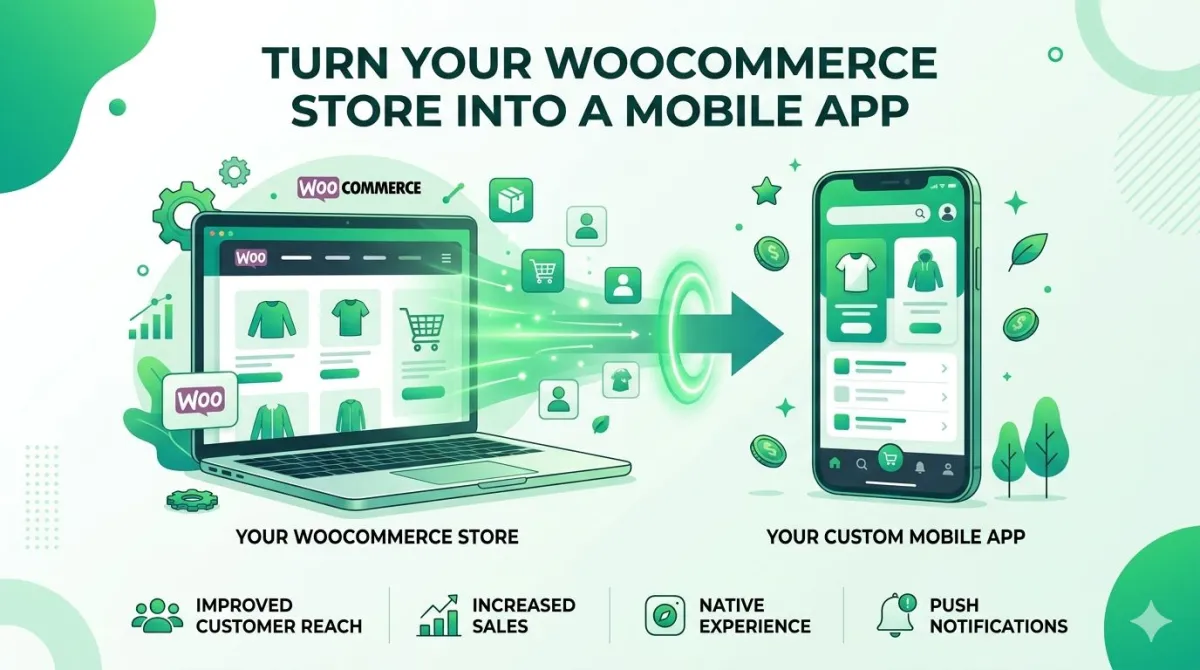
How to Convert Your WooCommerce Website into an Android & iOS App (Zero Coding Required)
Here's something most WooCommerce store owners don't realise: they're leaving mobile sales on the table every single day — not because their products aren't good, but because their customers are stuck browsing in a phone browser, getting distracted, and never coming back.
A mobile app changes that overnight. But when most store owners hear "mobile app," their brain immediately goes to: Developer. $20,000. Six months. Headaches.
Good news — that whole picture is out of date.
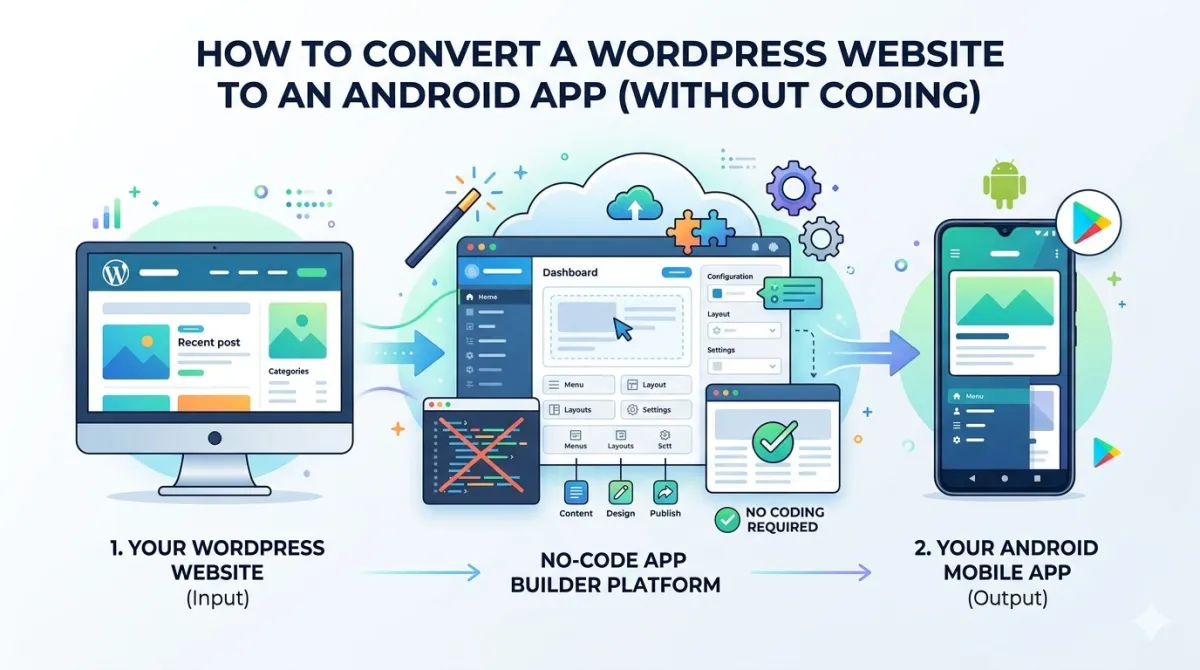
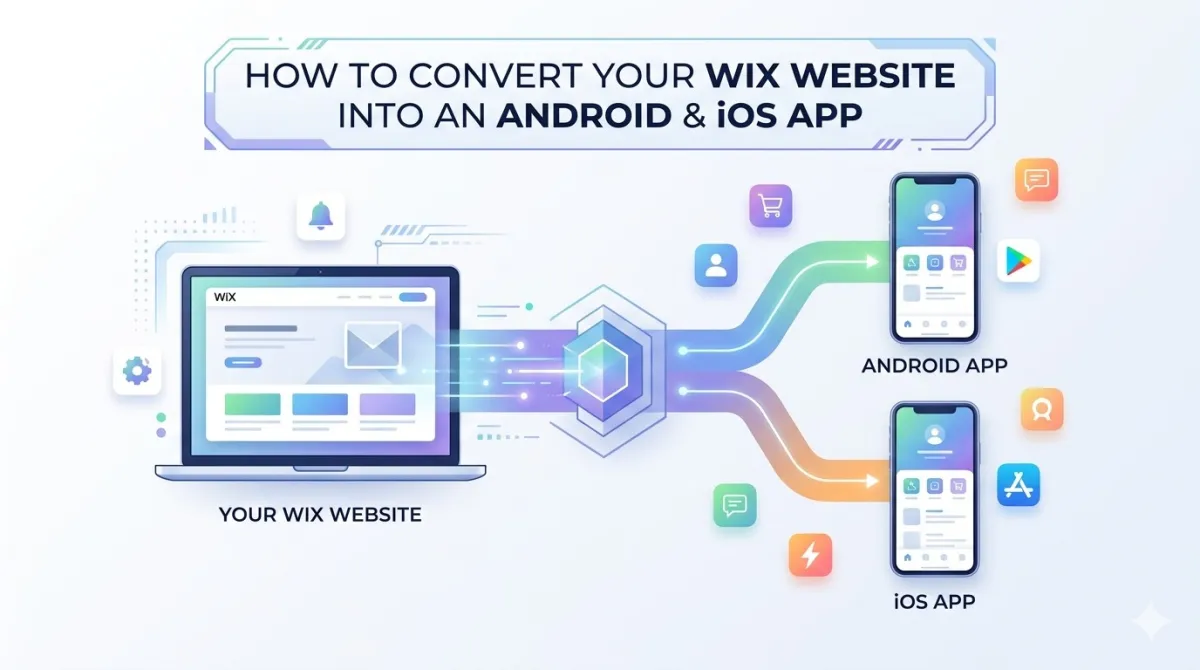
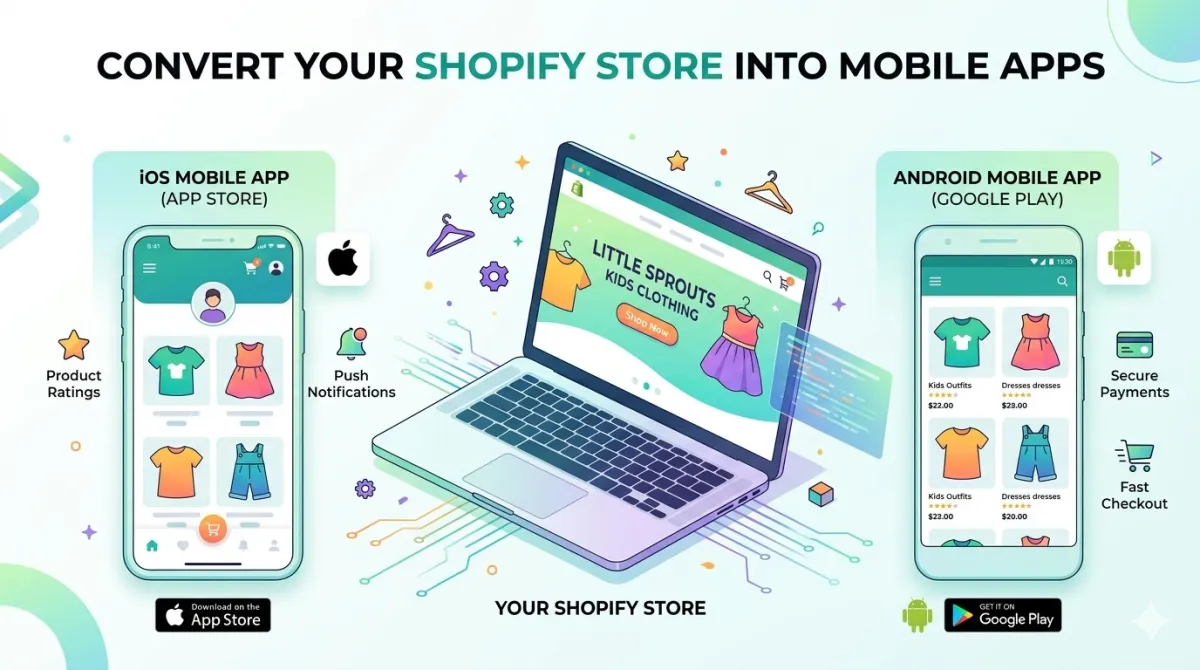
This guide covers exactly how to turn your existing WooCommerce store into a fully working Android and iOS app. No code. No developer. No drama. Just your store URL and a done-for-you service called AppOfWeb that handles the rest.
Whether you're running the store yourself, building for a client, or just testing the waters before committing to something bigger — this is the fastest, most sensible path from "WooCommerce website" to "real app on my customers' phones."
Let's get into it.
Why Your WooCommerce Store Needs a Mobile App (Not Just a Mobile Website)
Before we talk about how, let's settle the why — because "my site is already mobile-friendly" is something a lot of store owners say, and it's not the same thing.
The Difference Between a Mobile Website and a Native App
A mobile website opens in a browser. A native app is installed directly on the device and lives on the home screen. That sounds like a small distinction, but the practical difference is significant:
| Feature | Mobile Website | Native App |
|---|---|---|
| Push notifications | ❌ Not reliably | ✅ Yes |
| Home screen icon | ❌ No | ✅ Yes |
| Perceived speed | Slower | Faster |
| Works partially offline | ❌ No | ✅ Yes |
| Brand recall | Lower | Higher |
| Cart abandonment | Higher | Lower |
Why App Users Spend More and Come Back More Often
App users behave differently from people browsing in a phone browser. The data consistently shows that app users:
- Spend more time per session
- Have significantly lower bounce rates
- Make repeat purchases more frequently
- Complete checkout more often
The reason is simple: the experience is smoother. There's no typing a URL, no browser tabs, no accidentally closing the wrong thing. Your store is one tap away — and that friction reduction shows up directly in your revenue.
The Old Barrier: Cost and Complexity
Here's why most WooCommerce store owners never got a mobile app in the first place: it used to be genuinely hard and genuinely expensive.
Custom app development for Android and iOS used to cost anywhere from $10,000 to $50,000+ — and that's just to get it built. That doesn't cover maintenance, updates, or the joy of managing two separate codebases as your store evolves.
On top of that, submitting to the Google Play Store and the Apple App Store involves its own set of requirements, guidelines, and review processes. Apple in particular is famously thorough.
That's exactly the problem AppOfWeb was built to solve.
What Is AppOfWeb — and Why It's the Smartest Way to Convert Your WooCommerce Store
AppOfWeb isn't a drag-and-drop builder where you spend a weekend fiddling with settings. It's a fully managed, done-for-you service — meaning you submit your WooCommerce store URL, and their team builds your app for you.
It's Done For You, Not By You
There's nothing to install inside WordPress. No API keys to copy and paste. No technical knowledge required at any stage. You submit your URL, share your branding preferences, and AppOfWeb's team takes care of the configuration and delivery.
What you get back is a real, working app. An APK file for Android, an IPA file for iOS. Install it on your own phone and walk through the whole shopping experience — browse products, add to cart, go through checkout — exactly the way your customers will.
Who It's Built For
AppOfWeb is the right fit if you're:
- A WooCommerce store owner who wants to go mobile without hiring (or becoming) a developer
- A freelancer or agency who wants to offer mobile app delivery as a service to clients
- An entrepreneur on a lean budget who wants to test a mobile presence before committing to something more expensive
How It Compares to the DIY Route
Just to keep things honest, here's what building an app yourself actually involves:
DIY route:
Learn Swift and Java → Design your UI from scratch → Integrate the WooCommerce REST API → Handle authentication and session management → Test across multiple devices and OS versions → Navigate App Store review → Maintain two separate apps forever as both platforms update
Time involved: Several months at minimum. Cost: A lot, however you do it.
AppOfWeb route:
Submit URL → Share branding → Receive your build → Test it → Launch
Time: Days. Cost: A fraction.
Everything You Get — Full Feature Breakdown
Here's exactly what's included in every app AppOfWeb builds from your WooCommerce store URL. No guessing, no asterisks.
Core Branding & Identity
Custom App Icon
Your logo, your colours — not a generic placeholder. The icon lives on your customer's home screen, in their app drawer, and everywhere the device displays installed apps. It's the first thing they see before even opening your store, so it needs to look like you.
Splash Screen
The branded loading screen that appears for a second or two when someone opens the app. Fully customisable with your logo, colours, and imagery. It's a small moment, but it sets the tone for the whole experience before any products load.
Navigation & User Experience
This is where the day-to-day feel of an app is made or broken.
Customisable Bottom Tabs
The navigation bar at the bottom of the screen — Shop, Cart, My Account, and whatever else suits your store — is configured to match your specific layout. It keeps navigation thumb-friendly and immediately familiar to mobile users.
Pull to Refresh
That satisfying pull-down gesture to reload the screen is built right in. Customers can refresh their product feed, check updated stock, or confirm a new price without closing and reopening the app.
Pinch to Zoom
Customers can zoom into product images to inspect details before buying. This is a bigger deal than it sounds. For fashion, jewellery, electronics, or anything where detail matters before purchase, giving customers a way to look closely directly reduces hesitation and increases conversions.
Page Loader
A smooth loading indicator that tells the user content is on its way. Without it, a briefly blank screen makes people wonder if the app has crashed. The loader prevents that micro-frustration before it becomes an abandoned session.
No Internet Screen
If a customer loses their connection, they see a friendly, branded offline message rather than an ugly browser-style error. It keeps the experience polished even when the Wi-Fi doesn't cooperate.
Store Syncing & Technical Foundation
Real-Time Syncing With Your WooCommerce Store
This is the feature that makes the whole thing genuinely low-maintenance: your app automatically reflects whatever your website shows.
Add a new product? It's in the app. Run a weekend sale? Updated prices show up. Change your homepage banner? The app shows it. You never have to update the app separately when you update your store. Your WooCommerce site is the single source of truth, and the app mirrors it in real time.
Custom Package Name
Every app on the Play Store and App Store has a unique identifier — something like com.yourstorename.app. AppOfWeb lets you set a professional, branded package name rather than a generic one. It's a small thing, but it's the difference between looking like a real product and looking like a test build.
Visual Customisation
Status Bar Customisation
The strip at the top of the phone screen showing the time, battery, and signal can be customised to match your app's colour scheme. Light or dark text, matched to your header colour. Another small detail that separates a polished app from one that looks slightly cobbled together.
Dark Mode & Language Support
The app supports dark mode for users who prefer it, and can be configured for different languages — useful if your WooCommerce store serves customers in multiple regions.
User Engagement
Share App
Built-in sharing functionality lets users send a download link for your app to friends and family. Word-of-mouth growth built directly into the product — no extra setup needed.
Rate App
The app can prompt customers to leave a rating on the Play Store or App Store. More ratings means a higher store ranking, which means more organic downloads. It's a simple loop that compounds over time.
Quality Assurance
Unlimited Revisions
Not quite happy with how the bottom tabs look? Want to adjust the splash screen? AppOfWeb includes unlimited revisions — you keep requesting changes until everything looks and feels exactly right. No extra charges, no time pressure.
Optional Add-Ons — When You're Ready to Scale Up
The base package covers all of the above. But there are two add-ons worth knowing about if you want to go further.
Push Notifications
Push notifications are arguably the highest-ROI tool in mobile commerce — and they're available as an add-on.
With push notifications enabled, you can send real-time alerts directly to your customers' lock screens:
- Flash sale alerts — "48 hours only: 30% off everything"
- New arrival announcements
- Order status updates
- Abandoned cart reminders — this one alone can meaningfully recover lost revenue
No email open rates to worry about. No algorithm deciding who sees your message. A direct line to your customer's phone, delivered even when they're not thinking about your store.
Publishing to Google Play & Apple App Store
Getting an app live on both major stores involves developer accounts, metadata requirements, screenshots, privacy policy compliance, and Apple's thorough review process. It's genuinely tedious even for people who know what they're doing.
With the Publishing add-on, AppOfWeb handles the entire submission process on your behalf. You don't need a Google Play Console account or an Apple Developer Program membership — their team navigates all of it for you.
If you want the full experience — from "I have a WooCommerce store" to "my app is live on the App Store" — this is the add-on that completes the picture. Just note that Apple's review process typically takes a few days, so factor that into your launch timeline.
Step-by-Step: How to Convert Your WooCommerce Store to an App
The process is genuinely simple. Here's exactly what it looks like.
Step 1 — Submit Your WooCommerce URL
Head to AppOfWeb.com and enter your WooCommerce store URL. That's the whole first step. No login, no plugin installation, no WordPress credentials required at this stage.
Step 2 — Choose Your Plan and Add-Ons
Review what's included and decide whether you want Push Notifications, App Store Publishing, or both. Complete your order. Take a moment to think about what your store actually needs rather than just defaulting to "everything" — though both add-ons are worth it for most stores serious about growing on mobile.
Step 3 — Share Your Branding Preferences
This is where your app gets its look and personality. You'll provide:
- Your app icon — your logo at high resolution
- Your splash screen image — logo plus brand colours
- Your preferred bottom tab labels — Home, Shop, Cart, My Account, etc.
- Your brand colours for the status bar and overall theme
AppOfWeb's team uses this to configure the visual experience. Think of it like briefing a designer — except they're also the developer.
Step 4 — Receive Your Build and Test It
You'll receive an APK (Android) or IPA (iOS) file. Install it on your phone and walk through the experience yourself.
Browse the product catalogue, add something to the cart, go all the way through checkout. Check that your payment gateway works, that product images load cleanly, and that navigation feels smooth. Test it the way a first-time customer would — not the way someone who already knows your store would.
Step 5 — Request Any Revisions
Something feel slightly off? Tab label isn't quite right? Icon looks a bit small in the app drawer? Request a revision. Revisions are unlimited, so take your time and get it right before going live.
Step 6 — Go Live
If you've added the Publishing service, AppOfWeb submits to Google Play and the Apple App Store on your behalf. Once approved and live, you'll have your store links — share them in your website header, email footer, social media, and anywhere your customers are.
Your WooCommerce store is now a real mobile app.
Is This Right for My Store? (Honest Expectations)
Let's be straight about this, because you deserve a realistic picture.
What AppOfWeb Does Extremely Well
- Speed — From store URL to testable app in days, not months. For most store owners, this alone is the whole argument.
- Cost — This is a fraction of what custom development costs. Significantly less than even a junior freelance developer.
- Maintenance — Because the app syncs with your live WooCommerce store, product changes, price updates, and new arrivals appear in the app automatically. You're not maintaining two separate things.
- Support — Unlimited revisions mean you won't end up stuck with a first draft that's almost right but not quite.
Things to Know Before You Start
Your app experience depends on your website's mobile experience. Since the app is powered by your actual WooCommerce store, if your site is slow or cluttered on mobile, that carries over. It's worth reviewing your site's mobile layout and load speed before placing your order — a cleaner website means a better app.
The base service gives you a build to install and test, not a published listing. If you want your app visible on the App Store and Google Play, you'll need the Publishing add-on.
Apple takes its time. Apple reviews apps more carefully (and more slowly) than Google. If you're going live on both platforms, budget a few extra days for the iOS side.
Frequently Asked Questions
Do I need to install any plugin on my WooCommerce site?
No. AppOfWeb is a fully managed external service. You provide your store URL — nothing gets installed inside your WordPress or WooCommerce installation.
Will the app update automatically when I change products or prices on my store?
Yes. The app syncs with your live WooCommerce store, so new products, updated prices, sale banners, and new pages appear in the app automatically. No separate app update required.
Can customers complete purchases inside the app, including payment?
Yes. Because the app is powered by your actual WooCommerce store, your existing payment gateways — Stripe, PayPal, or whatever you use — work exactly as they do on your website.
What's the difference between the standard build and the Publishing add-on?
The standard service delivers a working app file you can install and test on your own device. The Publishing add-on means AppOfWeb submits the app to the Google Play Store and Apple App Store on your behalf and navigates the entire review process.
Do I need both an Android and iOS version?
That depends on your audience. Check your WooCommerce analytics or Google Analytics to see which mobile operating system your visitors are using most. AppOfWeb can build for one platform or both.
What if I want to change the app's look after it's been delivered?
Unlimited revisions are included. You can request updates to the icon, tabs, colour scheme, splash screen, or anything else — even after the first build is delivered.
How long does the whole process take from submitting my URL to having a testable app?
Significantly faster than custom development — typically measured in days rather than weeks or months.
Can the app support multiple languages?
Yes. Language support is included, which is useful if your WooCommerce store serves customers across different regions.
Conclusion — Your WooCommerce Store Belongs on the Home Screen
Here's the short version:
- Mobile apps outperform mobile websites in retention, engagement, and repeat purchases
- AppOfWeb turns your WooCommerce store into a real Android and iOS app from just your URL
- Every build includes: custom app icon, splash screen, customisable bottom tabs, real-time store syncing, pull to refresh, pinch to zoom, share app, rate app, no internet screen, status bar customisation, page loader, dark mode, language support, and unlimited revisions
- Push notifications and App Store publishing are available as add-ons when you're ready to scale
- No coding, no developer, no months of waiting
What to Do Right Now
- Open your WooCommerce store on your phone. Be honest — how's the experience?
- Head to AppOfWeb.com and submit your store URL
- Get a working app build on your device within days
- Test it like a first-time customer, request any tweaks, and go live
Ready to Give Your WooCommerce Store a Home Screen?
Stop sending mobile shoppers to a browser tab and hoping they come back. Give them an app that loads your store in one tap, sends them notifications when you run a sale, and keeps your brand top of mind every time they unlock their phone.
Convert Your WooCommerce Store to an App Now →