How to Fill Out Google Play's Data Safety Form (2026, With Examples)
In 2025, Google blocked over 255,000 apps from accessing data they had no business touching — and banned more than 80,000 developer accounts. The era of breezing past the Data Safety form with a few random clicks is very much over.
ASCII GRAPH: 2025 Google Play Enforcement
===================================================
Apps Blocked    | █████████████████████████ 255,000+
Accounts Banned | ████████ 80,000+
===================================================
Google's Data Safety section is now an actively audited compliance record. That means if your app says one thing and does another, automated systems will catch it before a human even looks at your submission. Not ideal.
This guide walks you through the whole thing — from what the form actually is, to every one of its 14 data categories, to the seven mistakes that get apps rejected. Whether you're publishing your first app or updating your declaration after the April 2025 policy changes, you're in the right place.
By the end of this post, you'll know:
- What the Data Safety form is and where to find it
- What changed in April 2025 (and why it matters)
- How to audit your app before touching the form
- Every data type, usage purpose, and follow-up question — explained in plain English
- How to handle third-party SDKs (this is where most developers go wrong)
- The seven most common rejection mistakes and how to avoid them
⚠️ Heads up: This post is general guidance, not legal advice. For questions about specific privacy laws in your region — GDPR, CCPA, and the rest — talk to a qualified attorney.
Part 1 — Foundations
What Is the Google Play Data Safety Form?
The One-Sentence Definition
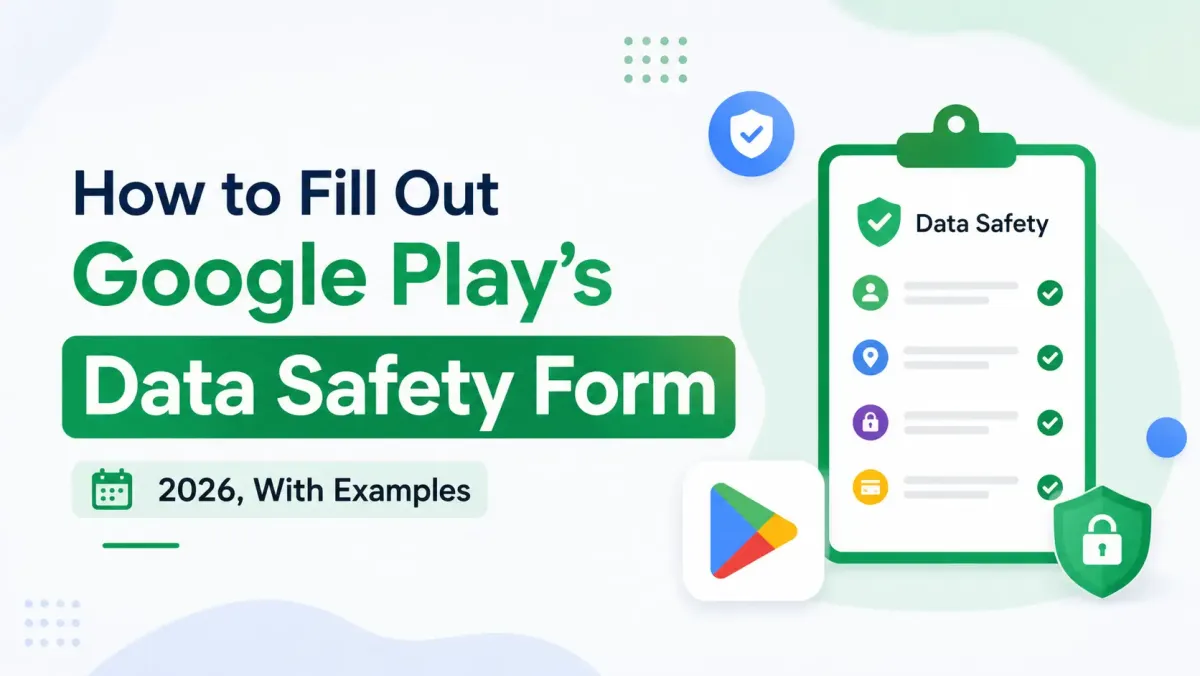
The Data Safety form is a structured disclosure inside Play Console that powers the "Data safety" card users see on every app's store listing — before they hit install.
Where It Lives in Play Console
You'll find it at: Play Console → [Your App] → App content → Data safety
If it's a new app, you'll see a Start button. If the app already exists, it'll say Manage. Either way, that's your entry point.
What the User-Facing Card Actually Shows
When someone browses your app on the Play Store, they see a card with three columns:
- Data collected — what your app gathers from users
- Data shared — what gets sent to third parties
- Security practices — whether data is encrypted, whether users can delete it
Every answer you give in the form maps directly to what appears on that card. Users are making real install decisions based on it — which is exactly why Google cares whether your answers are accurate.
Is It the Same as Apple's App Privacy Labels?
Nope. They're completely separate systems. Here's a quick comparison:
| Google Play Data Safety | Apple App Privacy Labels | |
|---|---|---|
| Platform | Android / Play Store | iOS / App Store |
| Category system | 14 Google-defined data types | Apple's own category set |
| Definition of "sharing" | Transfer to a party using data for its own purposes | Transfer to third parties (different nuances) |
| Review process | Google Play policy team + automated scanning | Apple App Store review |
| Satisfies the other? | ❌ No | ❌ No |
Completing one does not check the box for the other. You'll need to do both independently.
Who Must Complete It — and When
All Apps, No Exceptions
Every single app on Google Play must complete the Data Safety section. Yes, including apps that collect absolutely no data. If you collect nothing, you select "No" and submit a declaration that says exactly that. There's no skipping it.
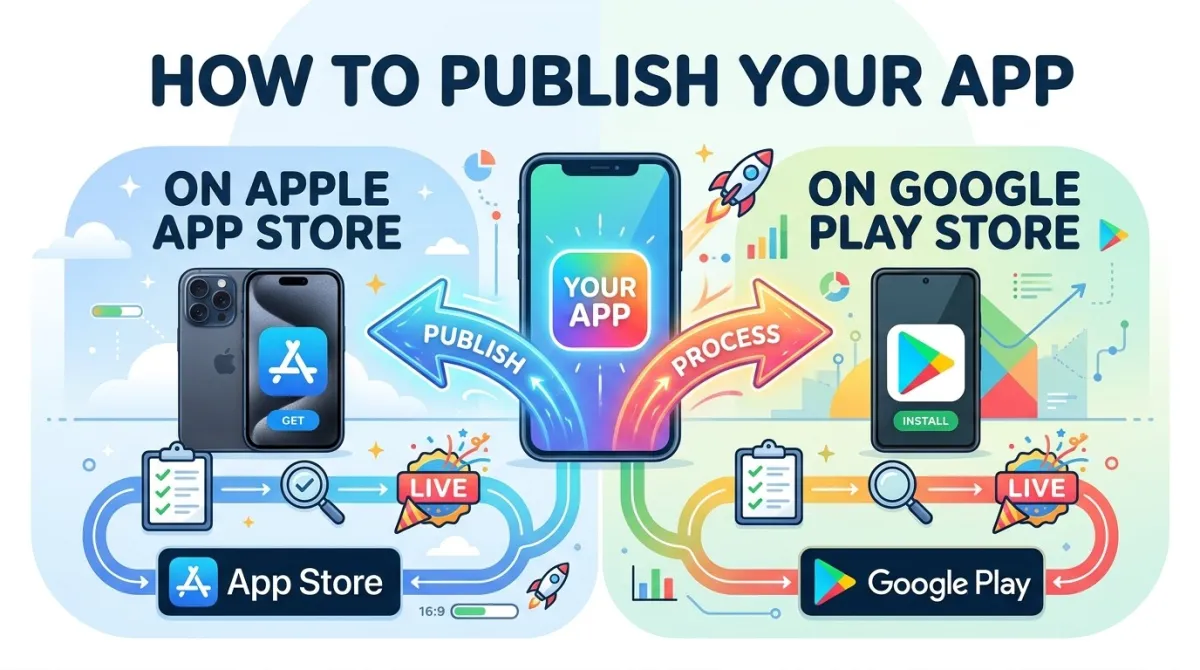
The form lives inside Play Console, so if you haven't set up your developer account yet, start with our guide on how to create a Google Play Console developer account. If you want the full end-to-end picture, see how to publish your app on the Apple App Store and Google Play Store.
When the Form Must Be Updated
You need to update your form:
- Before publishing a new app
- Before submitting any update that changes how your app handles data
- Whenever an SDK you use changes its data-collection behaviour
- As a general best practice: review it on every release cycle
What Happens If You Don't
The consequences are real:
- Play Console will block your submission until the form is approved
- An inaccurate declaration can trigger app rejection, removal, or account action
- Since 2025, automated binary scanning can detect data transmissions your form doesn't mention — and flag your release before a human reviewer even sees it
That last point is new, and it's a big deal. More on that shortly.
The 2025 Policy Changes Every Developer Must Know
Most guides covering this topic were written before April 2025. This section covers what's changed — and if you haven't updated your form since then, you'll want to pay close attention.
Change 1 — Android ID Is Now a Required Declaration
Starting April 10, 2025, if your app (or any SDK bundled with it) reads Settings.Secure.ANDROID_ID, you must declare it under the "Device or other IDs" category. No exceptions. Most analytics SDKs — including Firebase Analytics — read this value. If yours does, it needs to be on your form.
Change 2 — The Definition of "Sharing" Is Now Formally in the Policy
Google added an explicit cross-reference connecting the Data Safety definition of "sharing" to the broader User Data policy. Here's the key distinction:
- Not sharing: Passing data to a service provider who processes it solely on your behalf (e.g. your own backend)
- Sharing: Transferring data to a third party that uses it for their own purposes — ad targeting, cross-app profiling, benchmarking, etc.
An ad SDK that uses user data to build profiles across other apps? That counts as sharing, even if you never touch that data yourself.
Change 3 — Automated Binary Scanning Is Now Active
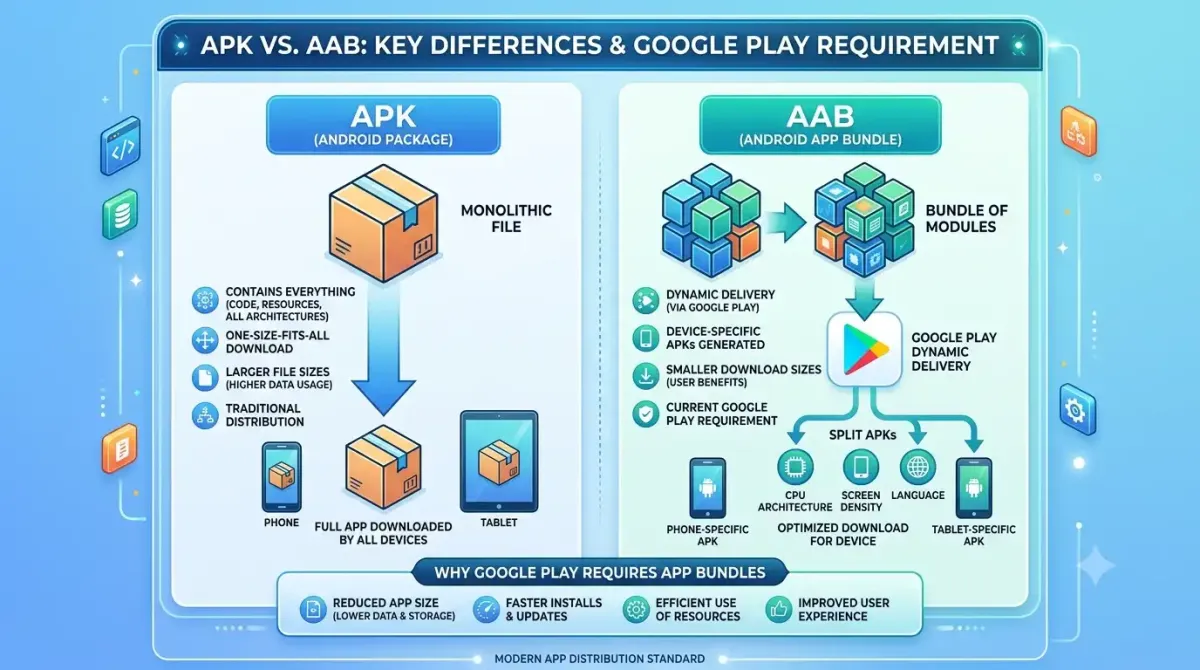
Google's 2025 safety infrastructure includes pre-review automated scans of your APK or AAB. These scans compare the data transmissions they detect against what your form declares. A mismatch produces a rejection reason of "Invalid Data safety form."
What This Means Practically
Before you open the form:
- Audit every SDK in your build
- Check each SDK vendor's own Data Safety mapping page
- Make sure your privacy policy and your form say the same thing
Part 2 — Before You Open the Form
The Pre-Work: What to Gather Before You Click "Start"
Skipping this section is the number-one reason developers end up redoing their form two or three times. Take an hour here and save yourself days of back-and-forth with Play Console.
Step 1 — Audit Your App's Own Data Collection
Go through your app and ask:
- What permissions does it request?
- What APIs send data off-device?
- What user inputs are stored (locally or remotely)?
Build a simple data inventory table:
| Data Type | Collected? | Stored? | Transmitted? | Purpose |
|---|---|---|---|---|
| Email address | ✅ | ✅ | ✅ | Account creation |
| Location (approx.) | ✅ | ❌ | ✅ | Nearby results |
| Crash logs | ✅ | ❌ | ✅ | App stability |
This table becomes your source of truth for the form.
Step 2 — Audit Every Third-Party SDK and Library
Here's the uncomfortable truth: third-party SDK data collection is your responsibility to declare. Google couldn't be clearer about this — if a library you include collects data, it shows up on your form. For a wrapper app the same logic extends to the site inside the WebView, which is why tracking consent in a WebView app has to be settled before you fill this in.
Ad SDKs are the most common example. If you've added AdMob to your app, the Mobile Ads SDK reads the Advertising ID and must be declared under "Device or other IDs" — even though you never wrote that code yourself.
The major ones and where to find their Data Safety mappings:
- Firebase Analytics → Google's Firebase Data Safety disclosure page
- Google Ads SDK / AdMob → Google's GMA privacy documentation
- Facebook Audience Network → Meta's Data Safety guidance for developers
- Adjust / AppsFlyer / Branch → Each vendor's own help centre
- Crashlytics / Sentry → Their respective developer documentation
If a vendor hasn't published a Data Safety mapping, contact them directly, review their privacy policy carefully, and err on the side of disclosure.
Data Safety Audit Time Estimator
Estimated Audit Hours
4.5Risk Score (1-10)
3Step 3 — Have Your Privacy Policy URL Ready
The form requires a valid, publicly accessible URL to your privacy policy. No login required. No 404s. And critically — the content of your privacy policy must match your form answers.
A common rejection trigger: the form says "we do not share location data" while the privacy policy has a broad "we may share data with partners" clause. Google reviewers compare them.
Write the privacy policy first, then match the form to it. Not the other way around.
Step 4 — Prepare Your Account Deletion URL (If Applicable)
If your app lets users create accounts, you must provide a web-accessible URL where users can request account and data deletion — and it cannot require a Google sign-in to access.
Your deletion page should clearly explain:
- What data is deleted when they request it
- What data is retained and why
- How long the process takes
Step 5 — Confirm Your Security Practices
You'll be asked whether data is encrypted in transit and whether users can request deletion. Confirm this with your engineering team before you open the form. Guessing is how you end up with an inaccurate declaration.
Part 3 — The Step-by-Step Walkthrough
How to Open and Navigate the Data Safety Form
Accessing the Form
- Log in at play.google.com/console
- Select your app from the dashboard
- In the left sidebar, click App content
- Scroll to Data safety and click Start or Manage
The Form's Five Main Sections
Here's what you're working through:
- Data collection and security (the overview questions)
- Data types (per-category declarations)
- Data usage and handling (purposes and security per category)
- Privacy policy URL
- Preview and submit
Section 1 — Data Collection and Security
"Does your app collect or share any of the required user data types?"
This is the gate question. Answer Yes if your app or any SDK collects or shares any user data — even temporarily. Answer No only if your app and every SDK embedded in it collect absolutely nothing at all.
⚠️ Most common mistake here: Developers answer "No" because their own code collects nothing — forgetting that their crash reporter or analytics SDK does.
"Is all of the user data collected by your app encrypted in transit?"
This is asking about TLS/HTTPS. If you're using standard Android networking libraries correctly, the answer is almost certainly Yes. This question is about transit, not storage at rest.
"Do you provide a way for users to request that their data is deleted?"
If your app supports account creation, Yes is the right answer — and you'll need that account deletion URL from Step 4 of the pre-work. If your app has no accounts and stores nothing tied to individuals, this may not apply.
Section 2 — Data Types: All 14 Categories Explained
This is the meatiest part of the form. Let's go through each of Google's 14 data categories in plain English.
How Google Groups the Data Types
Google organises everything into these categories:
Location · Personal info · Financial info · Health and fitness · Messages · Photos and videos · Audio files · Files and docs · Calendar · Contacts · App activity · Web browsing · App info and performance · Device or other IDs
Here's what each one covers and when it applies to you:
Location:
Precise location uses ACCESS_FINE_LOCATION — declare this if your app needs GPS-level accuracy (navigation, delivery tracking).
Approximate location uses ACCESS_COARSE_LOCATION — declare this if your app only needs a general area (nearby restaurants, local weather).
Most apps only need approximate. Don't request precise if you don't genuinely need it.
Personal Info:
Covers: name, email address, user IDs, physical address, phone number, race or ethnicity, political or religious beliefs, sexual orientation, and "other personal info."
If your app has an email sign-up flow, you're declaring at minimum Email address.
Financial Info:
Credit card numbers, bank account numbers, purchase history, credit score, and other financial data. If your app uses Google Play Billing and records what users buy, declare Purchase history.
Health and Fitness:
Health info covers medical records, doctor visits, medications. Fitness info covers exercise data, steps, activity logs. A step-counting app that stores daily step counts — even locally — is collecting fitness info.
Messages:
Emails, SMS/MMS, and in-app messages. If your app reads SMS for OTP auto-fill, you must declare SMS or MMS messages — even if you're not storing them long-term.
Photos and Videos:
Any photos or videos taken by or stored on the device that your app accesses. A photo editor that uploads images to a server declares Photos.
Audio Files:
Voice recordings, music files, any other audio. A podcast app that records voice notes declares Voice or sound recordings.
Files and Docs:
Files and documents stored on the device. A PDF reader that syncs files to the cloud declares Files and docs.
Calendar:
Calendar events created in the app, or events read from the device's calendar. A scheduling app that syncs with Google Calendar declares Calendar events.
Contacts:
Names, phone numbers, and email addresses from the device contact list. A messaging app that uploads contacts to find other users declares Contacts.
App Activity:
In-app interactions, search history within the app, installed app lists, other user-generated content and actions. An analytics SDK tracking screen views and button taps collects App interactions.
Web Browsing:
Browsing history within an in-app WebView. A news reader with an embedded browser declares Web browsing history.
App Info and Performance:
Crash logs, diagnostics, and other performance data. If Crashlytics or Sentry is in your build, you're collecting this. Declare it.
Device or Other IDs (Updated April 2025):
Device identifiers, including Android ID. Since April 2025: if any SDK in your app reads Settings.Secure.ANDROID_ID, declare this category. Firebase Analytics does this by default — so if you use Firebase, this one applies to you.
Section 3 — Data Usage and Handling
For every data type you've declared, Google asks follow-up questions. Here's what each one means.
Is This Data "Collected" or "Shared" — or Both?
Defining "Collected"
Data is collected when it leaves the device and is transmitted to you or to an SDK acting on your behalf as a service provider. Data that is processed in real time, never persisted, and never sent off-device doesn't count as collected.
Example: A live camera filter app that processes frames locally and never transmits them → no declaration needed for that data.
Defining "Shared" (Updated April 2025)
Data is shared when it's transferred to a third party for that third party's own purposes — ad targeting, cross-app profiling, benchmarking, and so on.
| Scenario | Collected? | Shared? |
|---|---|---|
| Your backend stores user preferences | ✅ | ❌ |
| AdMob uses device IDs for ad targeting | ✅ | ✅ |
| Crashlytics receives crash logs for your debugging only | ✅ | ❌ |
| Analytics SDK sells aggregated data to data brokers | ✅ | ✅ |
The same piece of data can be both collected and shared.
Is Data Collection Optional or Required?
Declare Required if the user cannot access the app's core functionality without it. Declare Optional if they have a meaningful choice.
- Navigation app using location → Required
- Shopping app offering location-based recommendations → Optional (users can browse without it)
Be honest here. Marking something as Optional when it isn't is a misdeclaration.
Purposes — Why Is This Data Used?
For each declared data type, select every applicable purpose from Google's seven options:
| Purpose | When It Applies |
|---|---|
| App functionality | Data is required for a core feature to work |
| Analytics | Measuring usage, audience, or performance |
| Developer communications | Newsletters, product updates, transactional email |
| Advertising or marketing | Ad targeting, attribution, or measurement |
| Fraud prevention, security, and compliance | Abuse detection, legal obligations |
| Personalization | Customising content, recommendations, or experience |
| Account management | Creating or maintaining user accounts |
Select every purpose that genuinely applies. Selecting fewer to appear more privacy-friendly is a misdeclaration — and Google's reviewers know what ad SDKs do.
Is This Data Encrypted in Transit?
If your app uses HTTPS for all API calls (standard practice), select Yes. If any path uses unencrypted HTTP, select No — and fix the problem before you submit.
Can Users Request Deletion of This Data?
For data tied to a user account, point to your account deletion URL. For purely operational data like crash logs or session analytics, you may be able to describe a retention policy instead. Think through this per data type rather than giving a blanket answer.
Section 4 — Privacy Policy URL
Requirements for a Valid Privacy Policy URL
Your URL must:
- Be publicly accessible (no login wall)
- Return a live page (no 404)
- Match what your form declares
Keeping the Form and Privacy Policy in Sync
A mismatch between these two documents is one of the most common review flags. Here's what "consistent" looks like in practice:
| Form declares | Privacy policy must say |
|---|---|
| "Location data is not shared" | No broad third-party data-sharing clauses that would include location |
| "Data is encrypted in transit" | Privacy policy confirms TLS/HTTPS use |
| "Users can request deletion" | Privacy policy describes the deletion process and timeframe |
Section 5 — Preview, Submit, and Go Live
Using the Preview Tab
Before submitting, use the Preview tab to see exactly what users will see on your app's Play Store listing. Check that every section of the card accurately reflects what your app actually does.
Submitting the Declaration
The Data Safety declaration doesn't go live the moment you click submit. It goes live when your release does:
- New apps: goes live when the app is approved
- Updates: goes live when the update is published
Review Timeline
For new app submissions, expect 1–2 weeks. Updates typically review faster. If there's an issue, Play Console will show a specific rejection reason — not just a vague error.
Form Statuses Explained
| Status | What It Means | What to Do |
|---|---|---|
| Approved | Your declaration is live | Nothing — you're good |
| Under review | Google is currently reviewing it | Wait; no action needed |
| Rejected | A specific issue was found | Read the rejection reason, fix it, resubmit |
Part 4 — Advanced Topics and Edge Cases
Handling Third-Party SDKs Accurately
Why SDK Data Counts as Your Data
Google's position on this is unambiguous: "If a third-party SDK or library in your app collects or shares user data, you must reflect this in the Data safety form." You cannot point at the SDK vendor and say "that's their responsibility." It isn't.
How to Find an SDK's Data Safety Mapping
Most major SDK vendors publish a dedicated Data Safety disclosure page. For the big ones:
- Firebase: firebase.google.com → Privacy → Data safety
- AdMob/GMA: developers.google.com/admob → Privacy → Play data disclosure
- Meta Audience Network: Meta's developer documentation → Data safety
If a vendor hasn't published a mapping, contact them directly. In the meantime, review their privacy policy carefully and err on the side of declaring more rather than less.
SDK Audit Worksheet
Use this table for every SDK in your build:
| SDK Name | Version | Data Types Collected | Data Types Shared | Purposes | Vendor Mapping URL |
|---|---|---|---|---|---|
| Firebase Analytics | x.x | App activity, Device IDs | Device IDs (to Google) | Analytics | [link] |
| Crashlytics | x.x | App info and performance | None | App functionality | [link] |
| AdMob | x.x | Device IDs, App activity | Device IDs, App activity | Advertising | [link] |
Fill this in for every SDK before you open the form. It makes the form itself much faster and much less likely to be wrong.
When SDKs Update Their Data Practices
An SDK updating from v2 to v3 might quietly start collecting a new data type. Your form still only declares what v2 collected. That's a mismatch — and the automated scanner will find it.
Subscribe to the release notes and changelogs of every major SDK you use. Build a quarterly review into your workflow.
Specific Scenarios and Example Declarations
Scenario A — Simple Utility App, No Accounts, No Ads
Example: an offline calculator or unit converter
If your only SDK is Crashlytics, your declaration is relatively simple:
- App info and performance → Collected → App functionality → Not shared
- Everything else → not declared
The Data safety card will show minimal data collection, which is a genuine selling point for utility apps.
Scenario B — Free App Monetised With AdMob
Example: a casual mobile game using AdMob for revenue
This one trips up a lot of developers. AdMob uses device identifiers for ad targeting — that means:
- Device or other IDs → Collected and Shared (with Google for ad targeting)
- App activity → Collected and Shared (with Google for ad measurement)
- Purpose → Advertising or marketing
The most common mistake: declaring "no sharing" when AdMob uses identifiers for its own purposes. That's sharing. Declare it.
Scenario C — App With User Accounts and Firebase
Example: a productivity or social app with sign-up
Your declaration will include:
- Personal info (email address, name, user ID) → Collected → App functionality, Account management
- App activity (in-app interactions, screen views) → Collected → Analytics
- App info and performance (crash logs) → Collected → App functionality
- Device or other IDs (Android ID via Firebase) → Collected → Analytics
You'll also need the account deletion URL set up and linked.
Scenario D — Health or Fitness App
Example: a workout tracker storing fitness data
- Health and fitness (exercise data, fitness info) → Collected → App functionality
- Location (if route tracking is a feature) → Collected, Precise → App functionality, Required
- Sensitive data flag: health and fitness data is flagged as sensitive by Google — you'll see this during the form
Handle the account deletion requirement carefully here. Users will expect to be able to delete their health data.
Keeping Your Declaration Current Over Time
Building a Review Cadence Into Your Release Process
Add a standing item to your release checklist: "Has any SDK changed its data practices since last release? Have we added or removed any data collection?" It takes two minutes to check and can save you from a rejection.
What Triggers a Required Update
Update your form when:
- You add a new SDK
- You remove a feature that collected data (update to remove the declaration)
- You change what you do with collected data (a new purpose)
- A policy or legal change affects your declarations (like April 2025's Android ID update)
Version History and Consistency Across Releases
Your Data Safety form reflects your app's current state — it isn't version-controlled separately from your app. Keep an internal changelog of declaration changes so you can explain them if Google asks.
Common Mistakes That Get Apps Rejected
Mistake 1 — Ignoring SDK Data Collection: The most frequent cause of "Invalid Data safety form" rejections. The fix: complete the SDK audit worksheet above before you touch the form.
Mistake 2 — Confusing "Collected" and "Shared": Checking only "Collected" when an ad SDK also shares data with its network. The fix: read each vendor's documentation to understand how they actually use the data, not just what they receive.
Mistake 3 — Declaring "No Data" When SDKs Collect Diagnostics: Crash reporters like Crashlytics collect App info and performance data by default. The fix: check your dependencies, not just your own code.
Mistake 4 — Inconsistency Between the Form and the Privacy Policy: Form says "we do not share location data" — privacy policy says "we may share data with partners." The fix: write the privacy policy first, then match the form to it. Update both documents together.
Mistake 5 — Using a Google Form for the Account Deletion URL: Google Forms requires a Google sign-in to submit — which violates the requirement that the deletion URL be accessible without login. The fix: use a dedicated web page or an in-app deletion flow that's web-accessible.
Mistake 6 — Declaring "Optional" for Data That Is Actually Required: If a user cannot use the app without the data being collected, it's Required — even if you'd prefer it were optional. The fix: honest assessment of your onboarding flow.
Mistake 7 — Not Updating After an SDK Version Bump: SDK v2 collected X. SDK v3 also collects Y. Your form still only declares X. The fix: subscribe to SDK changelogs and build a quarterly form review into your workflow.
Part 5 — Frequently Asked Questions
My app collects no data. Do I still have to fill out the form?
Yes. Every app on Google Play must complete the Data Safety section. You simply select "No" to the collection question and submit. You cannot skip it.
An SDK collects data but I never access it myself. Do I have to declare it?
Yes. Google's policy is explicit on this: third-party SDK data collection counts as your data. If a library you link collects user data — even without you ever touching it — you must declare those data types.
What's the difference between "collected" and "shared"?
Data is collected when it's transmitted off-device to you or a service provider acting on your behalf. Data is shared when it's transferred to a third party that uses it for its own purposes — like an ad network building cross-app profiles. The same data can be both collected and shared.
What happens if my declaration is inaccurate or my app's behaviour changes?
Google's automated binary scanning can detect discrepancies between your APK and your declaration. A mismatch triggers rejection with an "Invalid Data safety form" error. Ongoing inaccuracies can lead to app removal or developer account action.
Does completing the Google Play Data Safety form satisfy Apple's requirements?
No. They're separate systems with different categories, definitions, and review processes. You must complete each platform's disclosure independently.
How long does Google take to review my form?
New app submissions may take 1–2 weeks. Updates are typically reviewed faster. If there are issues, Play Console will show a specific rejection reason you can address and resubmit.
My app uses Firebase Analytics. What do I need to declare?
At minimum: App activity (screen views, interactions) and Device or other IDs (including Android ID, which became an explicit requirement after April 2025). Check Google's official Firebase Data Safety disclosure page for the current full list — it can change between Firebase versions.
Part 6 — Conclusion
Wrapping Up
What You've Covered
In this guide you walked through every part of Google Play's Data Safety form: from foundational definitions and the 2025 policy changes, through all five form sections, all 14 data categories, third-party SDK responsibilities, and the seven usage purposes — plus real-world examples for four app types and the seven most common rejection mistakes.
Key Takeaways
- The form is mandatory for every app — even those that collect no data.
- Third-party SDK data is your responsibility to declare, not the SDK vendor's.
- Since April 2025, Android ID must be disclosed under "Device or other IDs" if any SDK reads it.
- "Shared" means transferred to a party that uses data for its own purposes — ad networks typically qualify.
- Your form and your privacy policy must tell exactly the same story.
- Automated binary scanning means inaccurate declarations are now detected before human review.
- Build a Data Safety review step into every release cycle.
Your Next Steps
Do before your next release:
- Complete the SDK audit worksheet above for every dependency in your build
- Pull your current privacy policy and cross-reference it against your form answers
- If your app has user accounts, verify your account deletion URL is live and publicly accessible without login
Within the next 30 days:
- Subscribe to changelogs for every major SDK you use
- Add a "Data Safety form review" item to your release checklist
- If you haven't updated your form since April 2025, review your Android ID declaration
Ongoing:
- Re-audit whenever you add or remove an SDK
- Review when a major Android OS update changes platform privacy behaviour
- Keep an internal changelog of declaration changes for audit trail purposes
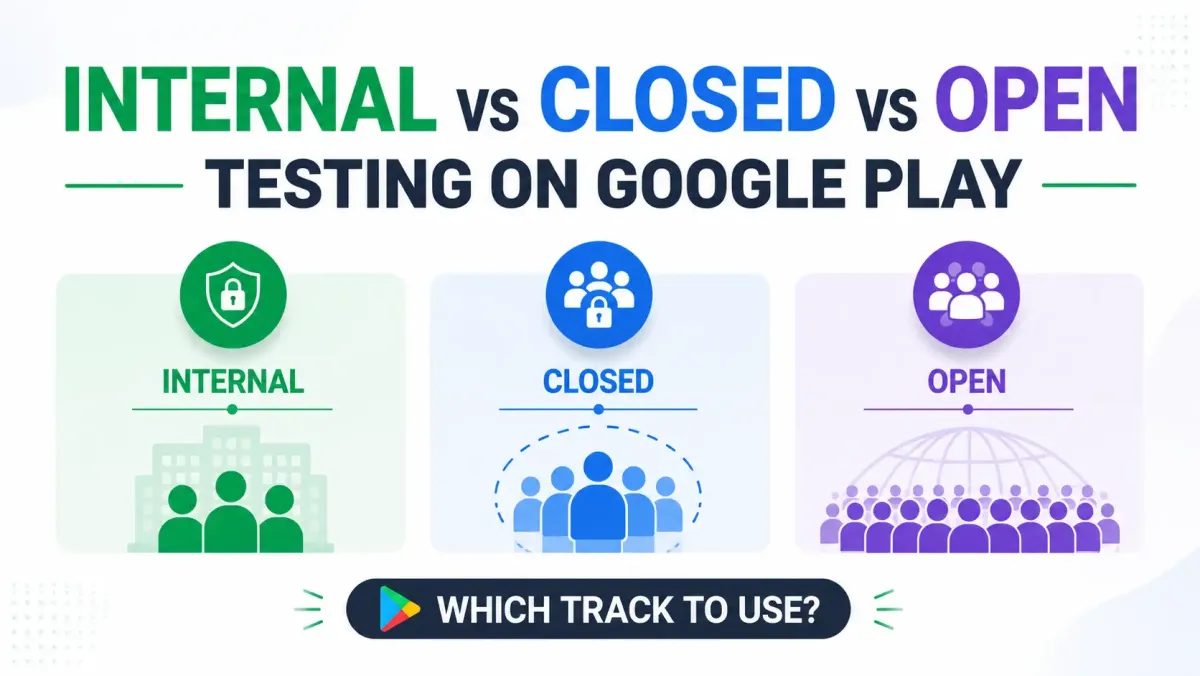
The Data Safety form is one piece of Google Play's 2026 compliance picture. Two other requirements catch developers off guard: the 12-tester closed testing requirement for new personal accounts, and the Target SDK 35 deadline that can pull existing apps from the store. Clear all three before you ship.
Quick-Reference Resources
- Play Console — Data safety: play.google.com/console
- Official Google Data Safety guidance: support.google.com/googleplay/android-developer/answer/10787469
- April 2025 policy announcement: support.google.com/googleplay/android-developer/answer/15899442
- Firebase Data Safety disclosure: firebase.google.com → Support → Privacy
- AdMob / GMA SDK Data Safety: developers.google.com/admob → Privacy → Play data disclosure
- Play Academy course — Data Safety form walkthrough: playacademy.exceedlms.com
Last updated: July 2026 | Covers April 2025 policy changes